 Resume Builder guide
ATS-Friendly Resume: How Applicant Tracking Systems Read Your CV
By Muhammad Shahid Khan · · 5 min read
Quick answer
An applicant tracking system (ATS) is software that stores and screens job applications. To be ATS-friendly, use a single-column layout, standard section headings (Experience, Education, Skills), real text rather than images, and the exact keywords from the job advert where they are true for you. Send a text-based PDF or Word file and avoid putting key details in headers, tables or graphics.
Resume BuilderAI Resume, Cover Letter PDF · Free on the App StoreDownload free →If you have sent dozens of applications and heard nothing back, the problem may not be your experience. Many employers use an applicant tracking system (ATS) to collect and filter applications, and a resume that a person would find perfectly clear can come out of the software scrambled or half empty.
I build Resume Builder – CV Maker AI, a free iPhone and iPad app for résumés, CVs, cover letters, biodata and resignation letters, and the screenshots here come from it. If you want to follow along on your phone, get Resume Builder on the App Store.
What is an applicant tracking system?
An ATS is the software recruiters use to manage hiring: it collects applications, extracts the information from each resume into a profile, and lets recruiters search and rank candidates. When a recruiter searches for "Python" or "project management", the ATS shows the resumes where it found those words.
That gives two ways to lose out:
- The ATS cannot read your resume properly, so your experience or skills are missing from your profile.
- Your resume does not contain the words the recruiter searches for, so you do not appear in results.
Do ATS systems automatically reject resumes?
Mostly not by themselves. The idea of a robot rejecting 75% of resumes is a myth that is repeated a lot. But some employers do set "knockout" questions (for example, the right to work in a country), and recruiters rely on search and ranking. If the ATS reads your resume badly, a human may never see it. Either way, the fix is the same.
12 rules for an ATS-friendly resume
Layout
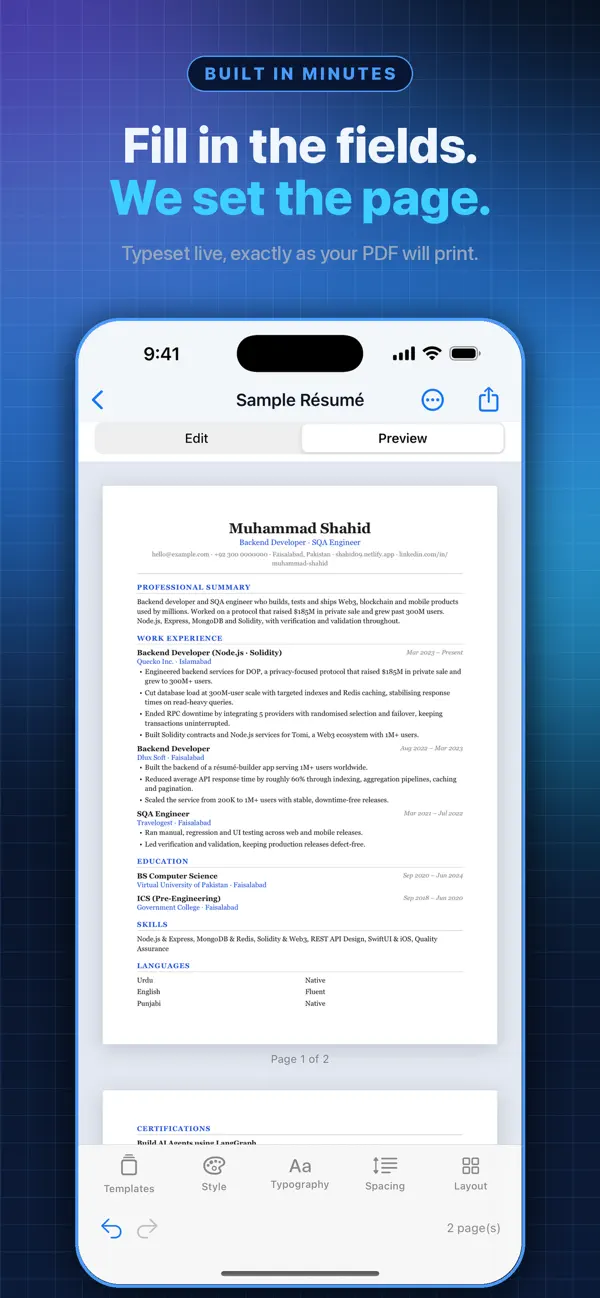
- Use one column. Two-column layouts can be read across both columns, mixing your dates with someone else's job title.
- Avoid tables and text boxes for important content. Some parsers skip them.
- Do not put contact details in the page header or footer. Some systems ignore those areas.
- No text inside images. Skill bars, icons and logos are invisible to most ATS software.
- Use a common font at a readable size, such as 10 to 12 point.
Headings and structure
- Use standard headings: "Experience", "Education", "Skills". Creative headings like "Where I've Been" may not be recognised.
- Put dates in a consistent format, for example "Jan 2023 to Mar 2025".
- Job title, company and dates on their own lines for each role.
Content
- Mirror the job advert's keywords where they are true for you. If the advert says "stakeholder management", do not write only "worked with clients".
- Spell out acronyms once: "Search Engine Optimisation (SEO)".
- Do not stuff keywords or hide white text. Recruiters read the resume too, and many systems flag it.
File
- Send a text-based PDF or a Word file. A scanned image of a resume is a picture, not text, and cannot be read.
How do I find the right keywords?
- Copy the job advert into a note.
- Highlight the hard skills, tools, qualifications and job titles it mentions.
- Highlight anything mentioned more than once: it is probably a priority.
- Make sure each one that is true for you appears in your skills section and in context in your experience.
Tailoring for each application takes five minutes once your base resume is done, and it is the single biggest improvement most people can make.
Does an ATS-friendly resume have to look boring?
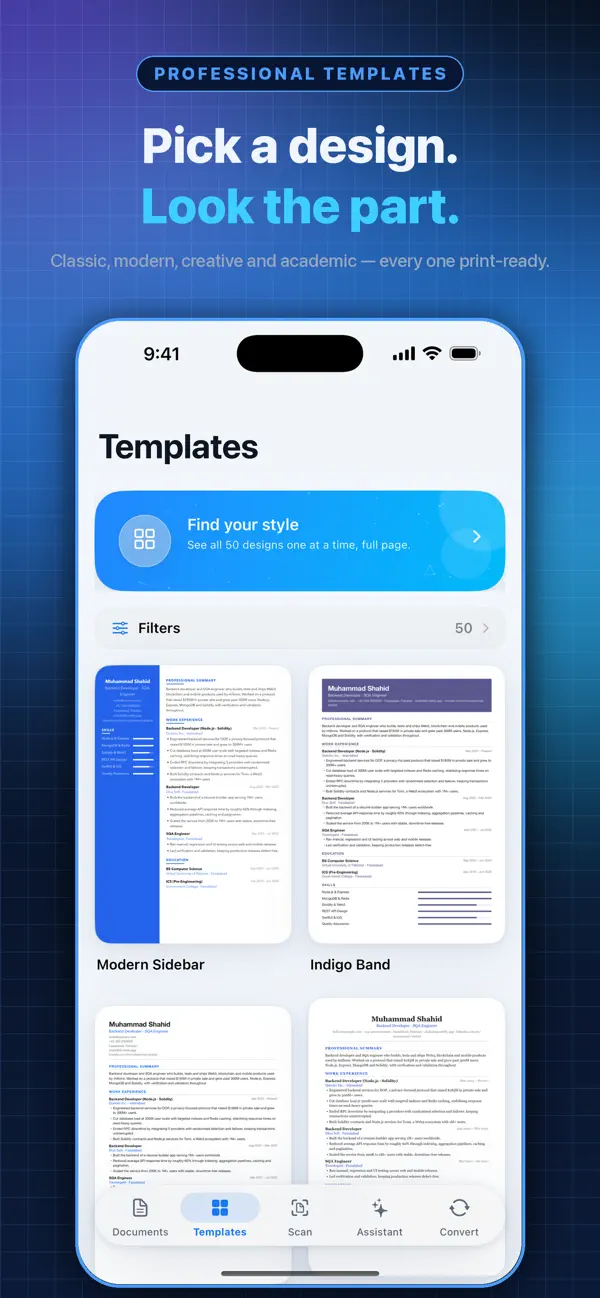
No. You can still use colour, a good font, clear spacing and a strong layout. What you avoid is putting content where software cannot see it. A simple design with good typography looks more professional to people anyway.
How do I check my resume before I send it?
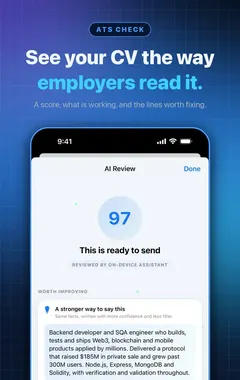
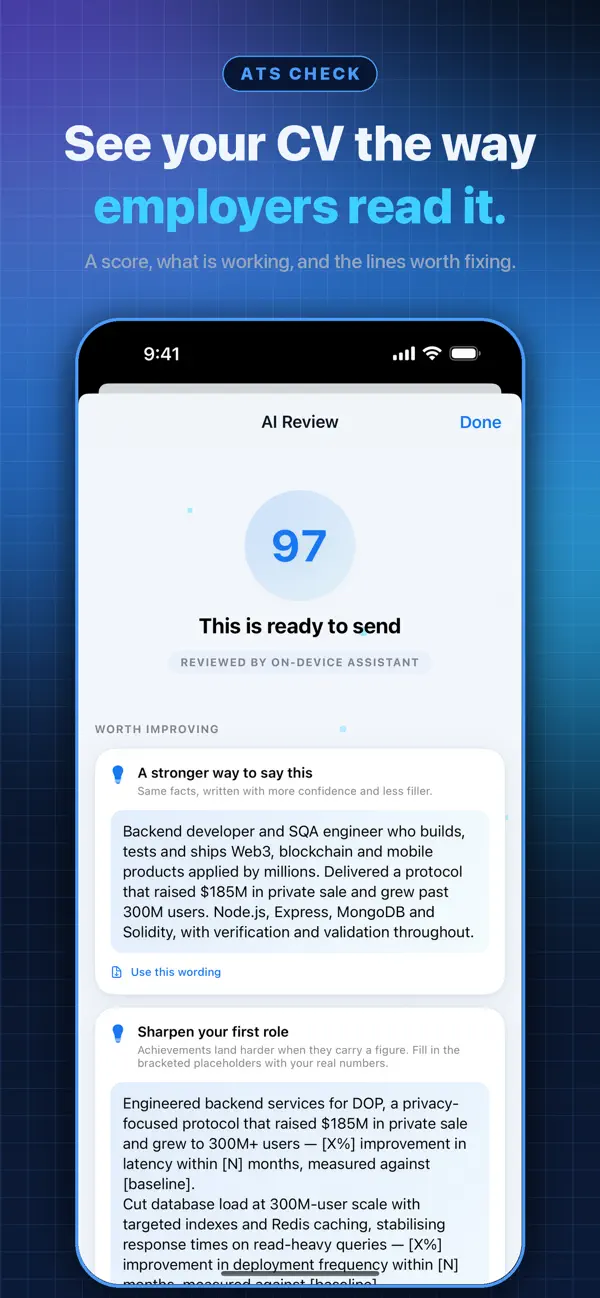
Run an ATS check. In Resume Builder, the ATS check shows how employer software may read your document. As a quick extra test, open your PDF, select all the text and paste it into a plain note. If it comes out in the right order with nothing missing, an ATS will probably read it well too.
More guides you may find useful:
- Skills to Put on a Resume: Hard Skills, Soft Skills and How to Prove Them
- Resume Summary Examples: 15 Professional Summaries You Can Adapt
- How to Write a Resume With No Experience (Students, Graduates and Career Changers)
How Resume Builder helps
- Unlimited résumés, CVs, cover letters, biodata and resignation letters, free.
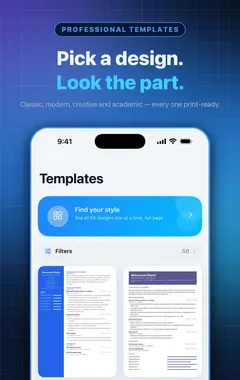
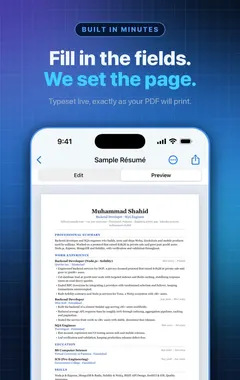
- Professional templates with a live preview that matches the exported PDF.
- An ATS check that shows how employer software reads your resume.
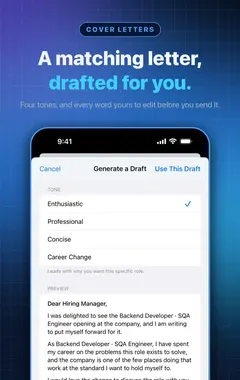
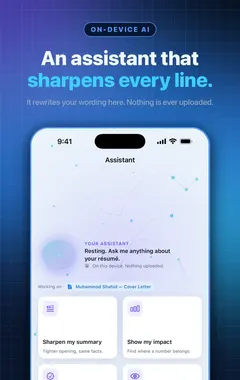
- Writing help that works on-device, or with your own AI key.
- Import an old CV from PDF or Word, or scan a printed one with the camera.
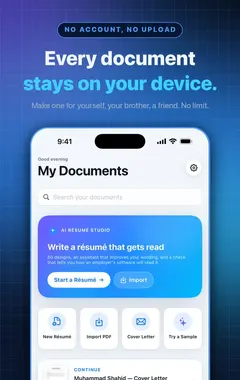
- No account: your documents stay on your iPhone unless you share them.
Download Resume Builder free on the App Store and have a clean PDF ready to send in minutes.
Start from scratch with how to make a resume on iPhone, or add a tailored cover letter.
Frequently asked questions
What does ATS stand for?
Applicant tracking system: software that employers use to collect, store, search and screen job applications.
Do ATS systems reject resumes automatically?
Usually not on their own, although some employers use knockout questions. The bigger risk is that the ATS reads your resume badly or you do not appear in recruiters’ keyword searches.
Is a PDF or Word resume better for ATS?
Both are fine if the PDF is text-based. Avoid scanned images of resumes. If the employer asks for Word, send Word.
Can ATS read two-column resumes?
Some can, but many read across the columns and mix up content. A single-column layout is safest.
Should I use tables in my resume?
Avoid putting important content in tables or text boxes, as some ATS parsers skip or scramble them.
How many keywords should I include?
Include every keyword from the job advert that is genuinely true for you, in your skills section and in context in your experience. Do not stuff keywords.
Do icons and skill bars hurt ATS parsing?
They are not read as text, so any information shown only as an icon or bar is lost. Write skills as text.
Can I put my contact details in the header?
It is safer to put them in the main body at the top, because some ATS software ignores page headers and footers.
What section headings should I use?
Standard ones: Summary, Experience, Education, Skills, Certifications. Creative headings may not be recognised.
How do I test if my resume is ATS-friendly?
Use an ATS check, such as the one in Resume Builder, and try copying all the text from your PDF into a plain note to see if it stays in order.
Does an ATS-friendly resume have to be plain?
No. You can use colour and good typography. Just keep all important information as real text in a single-column layout.
Resume BuilderDownload free