 Secret Codes guide
How to Check if Your iPhone Is Unlocked (Carrier Lock Explained)
By Muhammad Shahid Khan · · 4 min read
Quick answer
Go to Settings > General > About and look at Carrier Lock. If it says "No SIM restrictions", your iPhone is unlocked and works with any compatible carrier. Anything else means it is locked to a carrier, and only that carrier can unlock it. Unlocking is done by the carrier on its systems, not with a code.
Secret CodesDial codes, SIM & network test · Free on the App StoreDownload free →A carrier-locked iPhone only works with SIMs from one carrier. That matters when you want to switch networks, use a local SIM abroad, or buy or sell a second-hand phone. Checking takes ten seconds.
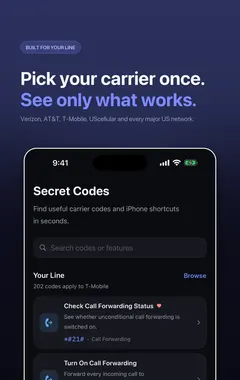
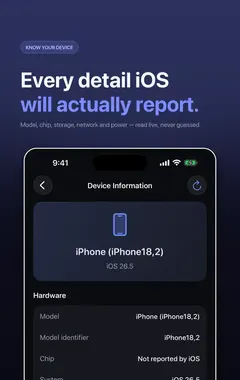
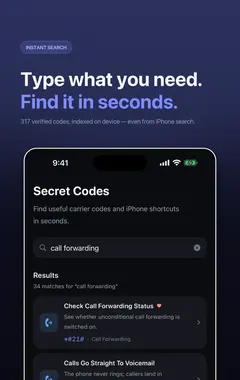
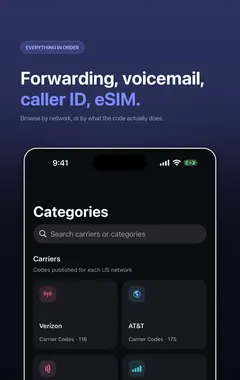
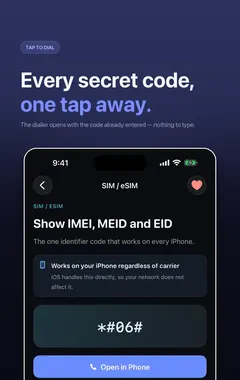
I build Secret Codes: IMEI & Carrier, a free iPhone app with 317 verified dial codes, and the screenshots in this guide come from it. If you would rather tap than memorise codes, get Secret Codes on the App Store.
How do I check if my iPhone is unlocked?
- Open Settings.
- Go to General > About.
- Scroll to Carrier Lock.
- "No SIM restrictions" means the iPhone is unlocked.
- "SIM locked" or a carrier-specific message means it is locked to a carrier.
This row is shown on recent versions of iOS. On a very old iOS version, the reliable test is to try a SIM from a different carrier.
What is the difference between carrier lock and activation lock?
| Carrier lock | Activation Lock | |
|---|---|---|
| What it does | Restricts which carrier's SIMs work | Ties the iPhone to the owner's Apple Account |
| Who controls it | The carrier | The owner, through Find My |
| How it is removed | The carrier unlocks it | The owner signs out or removes the device from their account |
A second-hand iPhone can have either, both or neither. Activation Lock is the more serious problem: a phone with it on cannot be used by anyone else.
How do I unlock a carrier-locked iPhone?
Only the carrier that locked it can unlock it. Each carrier has its own policy, often requiring that the phone is fully paid off and has been active on the account for a minimum time. To request an unlock:
- Find your IMEI by dialling
*#06#(see how to check your IMEI). - Contact the carrier or use its online unlock request form.
- Once approved, the unlock is applied on the carrier's systems. You may need to insert a new SIM, or back up and restore the iPhone, to complete it.
There is no dial code that unlocks an iPhone. Services that claim to unlock iPhones with a code or software are, at best, a paid request to the carrier, and at worst a scam.
What should I check when buying a used iPhone?
- Carrier Lock says "No SIM restrictions", or is locked to the carrier you use.
- Activation Lock is off: the seller should sign out of their Apple Account and erase the phone in front of you.
- The IMEI is not reported lost or stolen. Many carriers and countries provide IMEI check services.
- The IMEI in Settings matches the one on the box, if there is one.
- Battery health in Settings > Battery.
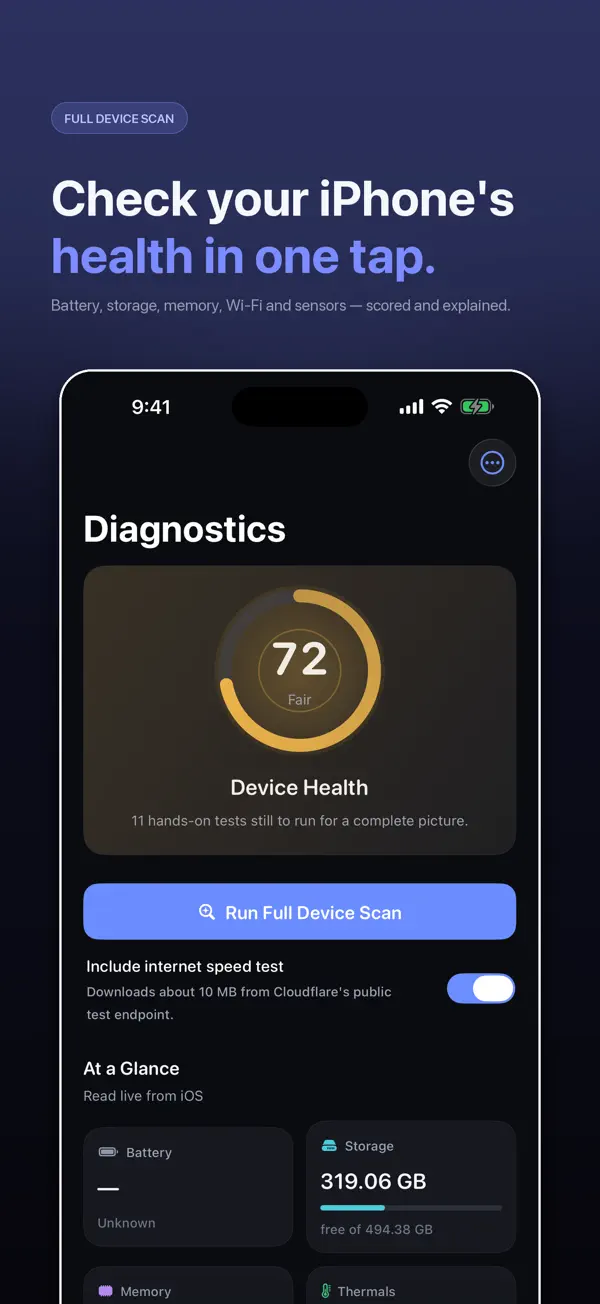
Secret Codes' diagnostic suite can also test the display, touch, cameras, speaker, microphone, sensors and Face ID before you hand over money.
More guides you may find useful:
- iPhone Field Test Mode (*3001#12345#*): How to Check Your Real Signal Strength
- Android Secret Codes on iPhone: *#*#4636#*#*, *#0*# and What to Use Instead
- What Does ##002# Do on iPhone? Cancel All Call Forwarding (and Keep Your Voicemail)
How Secret Codes helps
- 317 verified iPhone codes, each checked against a carrier, Apple or the 3GPP standard. Android-only and retired codes are left out.
- Plain-English explanations of what every code does before you dial it.
- Open in Phone puts the code in Apple's dialler. Nothing is ever dialled for you.
- Built around your carrier: each code says whether your network publishes it.
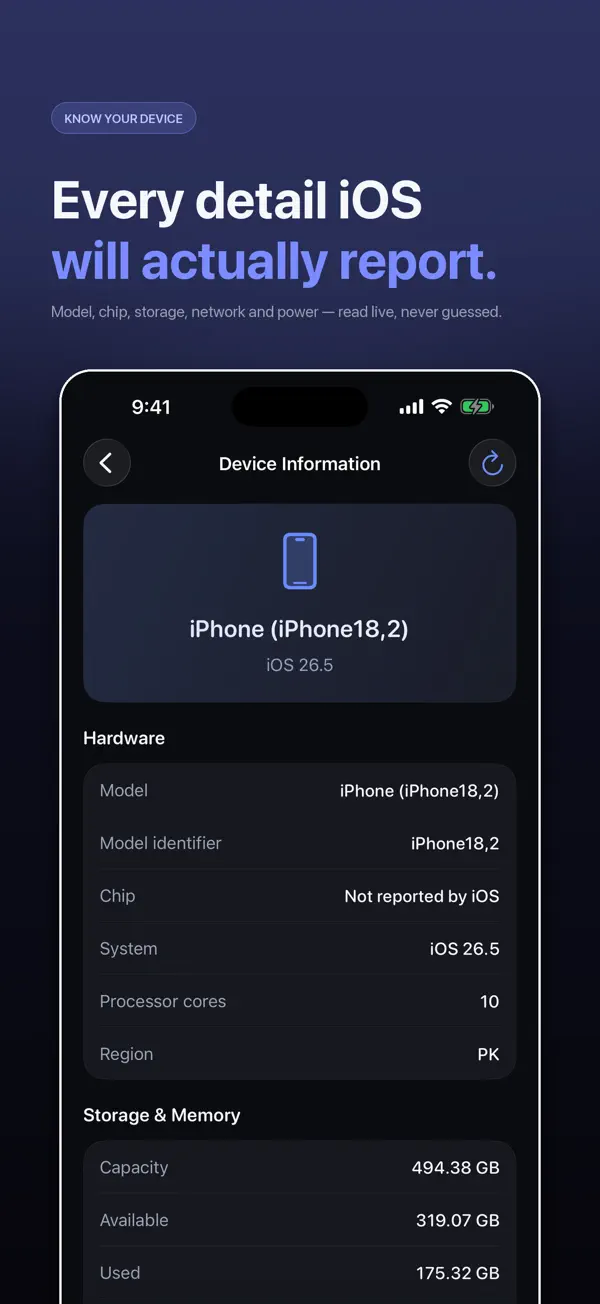
- A full diagnostic suite for battery, storage, Wi-Fi, cellular, display, touch, cameras, sensors and Face ID.
- IMEI in one tap with Siri, Spotlight, Shortcuts and a Home Screen quick action.
- Free, with nothing locked: no paid tier and no subscription.
Download Secret Codes free on the App Store and keep every working iPhone code in your pocket.
How to check if an iPhone is unlocked: step by step
- Open Settings. Go to Settings > General > About.
- Find Carrier Lock. Scroll down to the Carrier Lock row.
- Read the status. "No SIM restrictions" means unlocked. Any other message means it is locked to a carrier.
- If it is locked. Ask the carrier that locked it for an unlock. You will usually need your IMEI.
- Confirm the unlock. After the carrier confirms, insert another carrier’s SIM or add their eSIM to check it works.
Frequently asked questions
How do I check if my iPhone is unlocked?
Go to Settings > General > About and look at Carrier Lock. "No SIM restrictions" means it is unlocked.
What does "No SIM restrictions" mean?
The iPhone is not carrier-locked and works with SIMs from any compatible carrier.
Is there a code to unlock an iPhone?
No. Only the carrier that locked the iPhone can unlock it, on its own systems.
How do I unlock my iPhone from a carrier?
Request an unlock from the carrier that locked it, usually with your IMEI. Most carriers require the phone to be paid off.
What is the difference between carrier lock and Activation Lock?
Carrier lock restricts which SIMs work. Activation Lock ties the iPhone to the owner’s Apple Account through Find My.
Why does my iPhone say SIM not supported?
Usually because the iPhone is locked to a different carrier. Check Carrier Lock in Settings > General > About.
Can I use a foreign SIM in a locked iPhone?
No. A carrier-locked iPhone only accepts SIMs from its carrier. Ask your carrier to unlock it before travelling.
How do I check a used iPhone before buying?
Check Carrier Lock, make sure Activation Lock is off, check the IMEI is not reported lost or stolen, and test the hardware.
Does unlocking an iPhone void the warranty?
An official unlock from the carrier does not affect Apple’s warranty.
Can Secret Codes test a used iPhone?
Yes. Its diagnostic suite tests battery, display, touch, cameras, microphone, speaker, sensors, Face ID and more.
Secret CodesDownload free