 Secret Codes guide
What Does ##002# Do on iPhone? Cancel All Call Forwarding (and Keep Your Voicemail)
By Muhammad Shahid Khan · · 6 min read
Quick answer
##002# is a standard GSM code that erases every call forwarding rule on your line at once: unconditional (21), busy (67), no answer (61) and unreachable (62). On iPhone, dial it in the Phone app and press Call; your network replies with a short confirmation. It is safe, but on many networks voicemail works through conditional forwarding, so missed calls may stop going to voicemail until it is set up again.
Secret CodesDial codes, SIM & network test · Free on the App StoreDownload free →| What it does | Erases all call forwarding: 21, 67, 61 and 62 |
|---|---|
| Works on | GSM-based networks (most of the world, AT&T and T-Mobile in the US) |
| Does not work on | Verizon, which uses *73 to cancel forwarding |
| Side effect | Can switch off voicemail, which often uses conditional forwarding |
| Gentler option | ##004# erases only the conditional types |
| Check first with | *#21#, *#67#, *#61# and *#62# |
##002# is one of the most searched phone codes, usually by someone who has read that it "stops your calls being diverted" and wants to know whether it is safe to dial. It is a real, standard code, and it does exactly one thing: it wipes every call forwarding rule on your line. Here is what that means on an iPhone, and the one side effect almost nobody mentions.
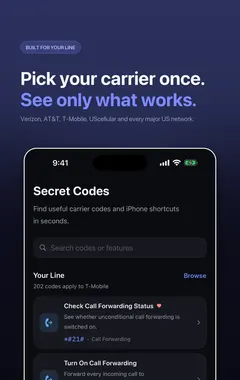
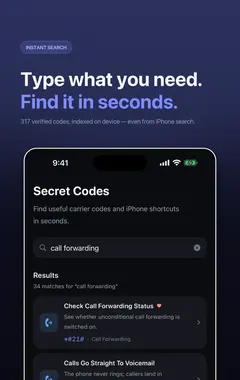
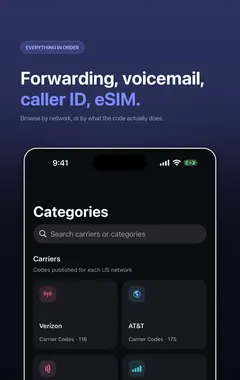
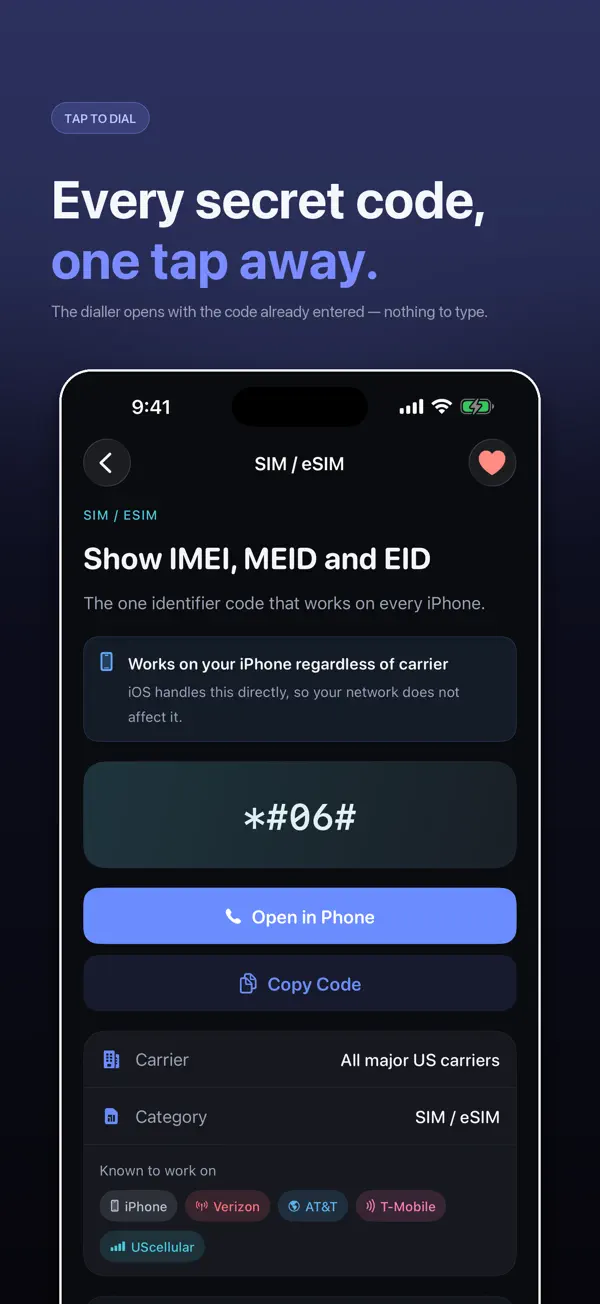
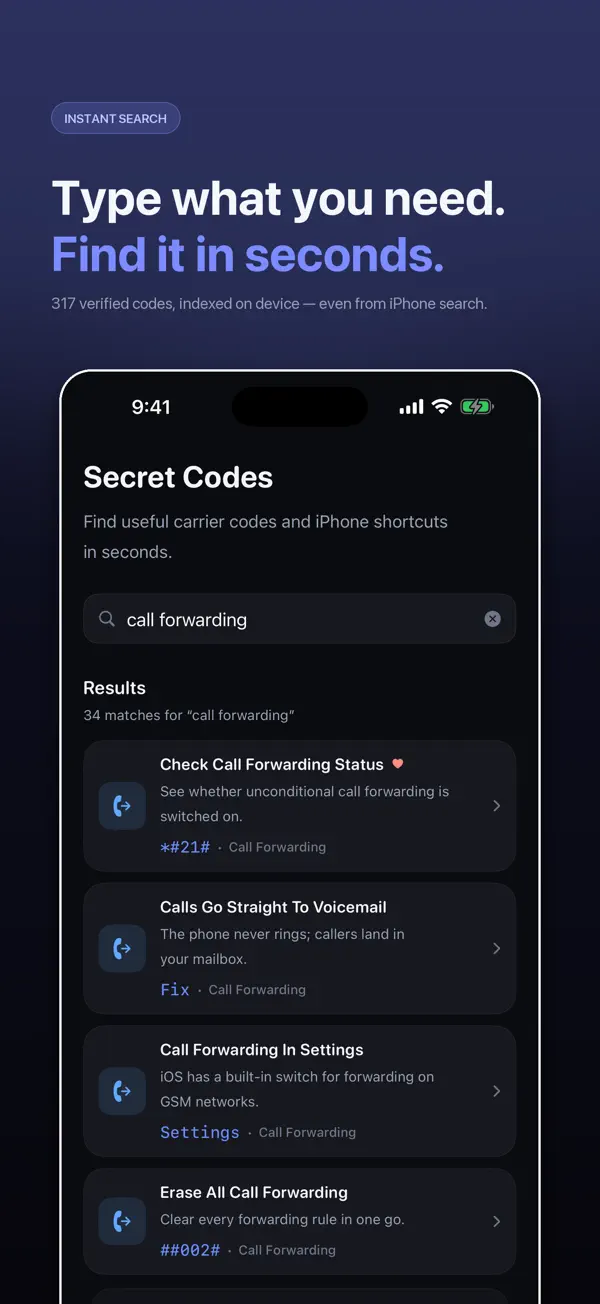
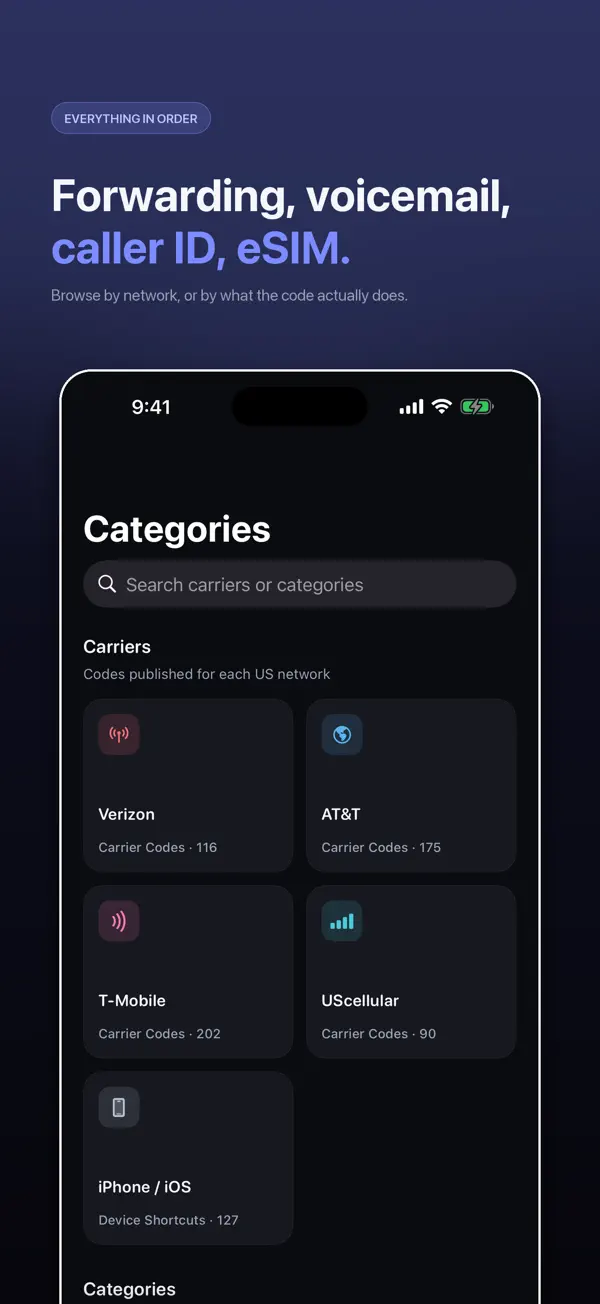
I build Secret Codes: IMEI & Carrier, a free iPhone app with 317 verified dial codes, and the screenshots in this guide come from it. If you would rather tap than memorise codes, get Secret Codes on the App Store.
What does ##002# do?
##002# comes from the GSM standard written by 3GPP, so it is handled by your network, not by your phone. That is why it works the same on an iPhone, an Android phone or a basic feature phone. It erases all four kinds of call forwarding in one go:
| Forwarding type | Service code | Erased by ##002#? |
|---|---|---|
| All calls (unconditional) | 21 | Yes |
| When busy | 67 | Yes |
| When not answered | 61 | Yes |
| When unreachable (off or no signal) | 62 | Yes |
The two hashes at the start mean erase. "002" is the group code for "all forwarding". Its sibling ##004# erases only the three conditional types (busy, no answer and unreachable) and leaves unconditional forwarding alone.
How do I use ##002# on iPhone?
- Open the Phone app and tap Keypad.
- Type
##002#. - Press the green Call button.
- Wait a few seconds. Your network shows a short message confirming the erasure. The wording depends on the carrier.
If you see an error such as "Error performing request", your carrier does not accept the code (common on Verizon and some prepaid networks), or you have no signal. Try again with a signal, or cancel forwarding in Settings > Apps > Phone > Call Forwarding (Settings > Phone on older iOS) instead.
Will ##002# turn off my voicemail?
It can, and this is the part most guides leave out. On most GSM networks, voicemail is not a separate switch. It works because your line has conditional forwarding to your voicemail number: when you are busy, do not answer or are unreachable, the call is forwarded to voicemail. ##002# erases those rules too.
After dialling it, some carriers restore voicemail forwarding automatically. Others do not, and missed calls simply ring out. To avoid this:
- Before dialling ##002#, dial
*#61#and note the number it shows. That is usually your voicemail number. - Dial
##002#. - Call yourself from another phone and let it ring out. If it does not reach voicemail, restore it with
**004*voicemailnumber#, using the number you noted. - If you did not note the number, your carrier's support page or helpline can give it to you, or reset voicemail for you.
When should I dial ##002#?
- Calls are not reaching you and you suspect forwarding is on.
- You set up forwarding while travelling or switching phones and want a clean slate.
- You were tricked into dialling a code that starts with
**21*or**61*followed by a number someone gave you. This is a known scam that diverts your calls, including bank verification calls, to the scammer. - You bought a used SIM or number and want to remove any forwarding left by the previous owner.
If you only want to check without changing anything, dial *#21# first. I explain how to read the reply in what *#21#, ##21# and **21* mean.
Is ##002# safe to dial?
Yes. It only removes forwarding rules. It does not reset your phone, delete contacts, change your SIM or cost anything on standard plans. The only thing you can lose is forwarding you actually wanted, such as voicemail, which you can put back as described above.
Be suspicious of the opposite direction. A message asking you to dial **21* or *72 followed by a number is asking you to turn forwarding on to someone else's phone. Do not dial it.
Does ##002# work on every carrier?
It works on GSM-based networks, which covers most carriers in the UK, Europe, the Middle East, Africa, South Asia and Australia, plus AT&T and T-Mobile in the US. Verizon uses its own codes: *73 cancels call forwarding. Some carriers block codes on certain plans. The full forwarding list, including how to turn each type on, is in call forwarding codes for iPhone.
How Secret Codes helps
- 317 verified iPhone codes, each checked against a carrier, Apple or the 3GPP standard. Android-only and retired codes are left out.
- Plain-English explanations of what every code does before you dial it.
- Open in Phone puts the code in Apple's dialler. Nothing is ever dialled for you.
- Built around your carrier: each code says whether your network publishes it.
- A full diagnostic suite for battery, storage, Wi-Fi, cellular, display, touch, cameras, sensors and Face ID.
- IMEI in one tap with Siri, Spotlight, Shortcuts and a Home Screen quick action.
- Free, with nothing locked: no paid tier and no subscription.
Download Secret Codes free on the App Store and keep every working iPhone code in your pocket.
Frequently asked questions
What does ##002# do?
It erases every call forwarding rule on your line at once: all calls, when busy, when not answered and when unreachable. It is a standard GSM code handled by your network.
Does ##002# work on iPhone?
Yes, on GSM-based carriers. Dial it in the Phone app keypad and press Call. Your network replies with a confirmation message.
Is ##002# safe?
Yes. It only removes call forwarding. It does not reset the phone or delete anything. It can remove voicemail forwarding, which you can restore.
Will ##002# turn off voicemail?
It can. On many networks voicemail uses conditional forwarding, which ##002# erases. Some carriers restore it automatically; if not, set it again with **004*voicemailnumber# or ask your carrier.
What is the difference between ##002# and ##004#?
##002# erases all forwarding. ##004# erases only conditional forwarding (busy, no answer and unreachable) and leaves unconditional forwarding in place.
What is the difference between ##002# and ##21#?
##21# erases only unconditional forwarding (all calls). ##002# erases every type.
Does ##002# work on Verizon?
Usually not. Verizon uses *73 to cancel call forwarding.
How do I know if ##002# worked?
You see a confirmation from your network. Dial *#21# afterwards: it should say calls are not forwarded.
Does ##002# cost money?
No. Erasing forwarding is free on standard plans.
Can ##002# stop hackers forwarding my calls?
It removes any forwarding that is set, including forwarding added by a scam. Also change your carrier account PIN, because forwarding can be added again if someone has access to your account.
Why does ##002# show an error on my iPhone?
Your carrier may not support it, you may have no signal, or you may be on Verizon. Try Settings > Apps > Phone > Call Forwarding, or contact your carrier.
Does Secret Codes dial ##002# for me?
No. Secret Codes explains the code and opens it in Apple’s dialler. You decide whether to press Call.
Secret CodesDownload free