 Secret Codes guide
iPhone Field Test Mode (*3001#12345#*): How to Check Your Real Signal Strength
By Muhammad Shahid Khan · · 5 min read
Quick answer
Dial *3001#12345#* in the Phone app and press Call to open Field Test mode. For 4G, open the menu and choose LTE > Serving Cell Meas: rsrp0 is your signal strength in dBm. Closer to zero is better: above -80 dBm is excellent, -80 to -100 is good to fair, and below -110 dBm is weak. Signal bars are only a rough summary of these numbers.
Secret CodesDial codes, SIM & network test · Free on the App StoreDownload free →| Code | *3001#12345#* |
|---|---|
| Main reading | RSRP (signal strength), in dBm |
| Excellent | Above -80 dBm |
| Weak | Below about -110 dBm |
| Quality readings | RSRQ and SINR |
| Safe? | Yes. It only displays information |
Signal bars are a guess. Two iPhones side by side can show different bars on the same mast, and carriers decide where the thresholds sit. Field Test mode is Apple's hidden screen that shows the real measurements behind the bars. It is the closest thing an iPhone has to a "network check code" or "test mode", and it is completely safe to open.
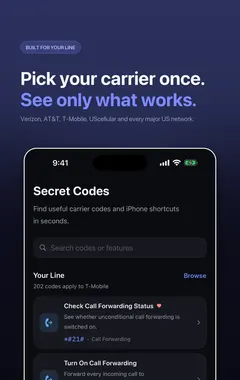
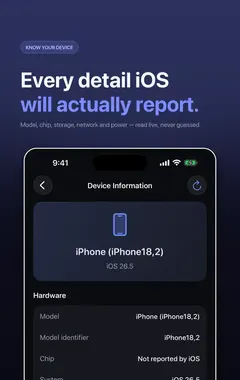
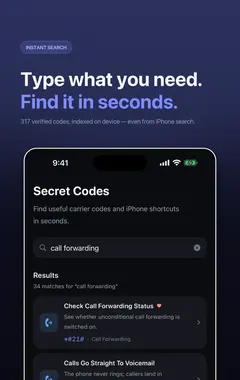
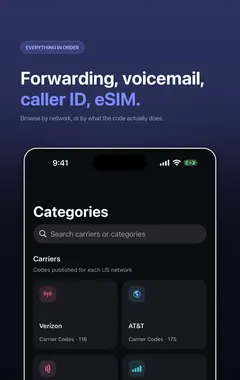
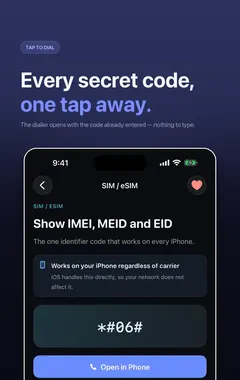
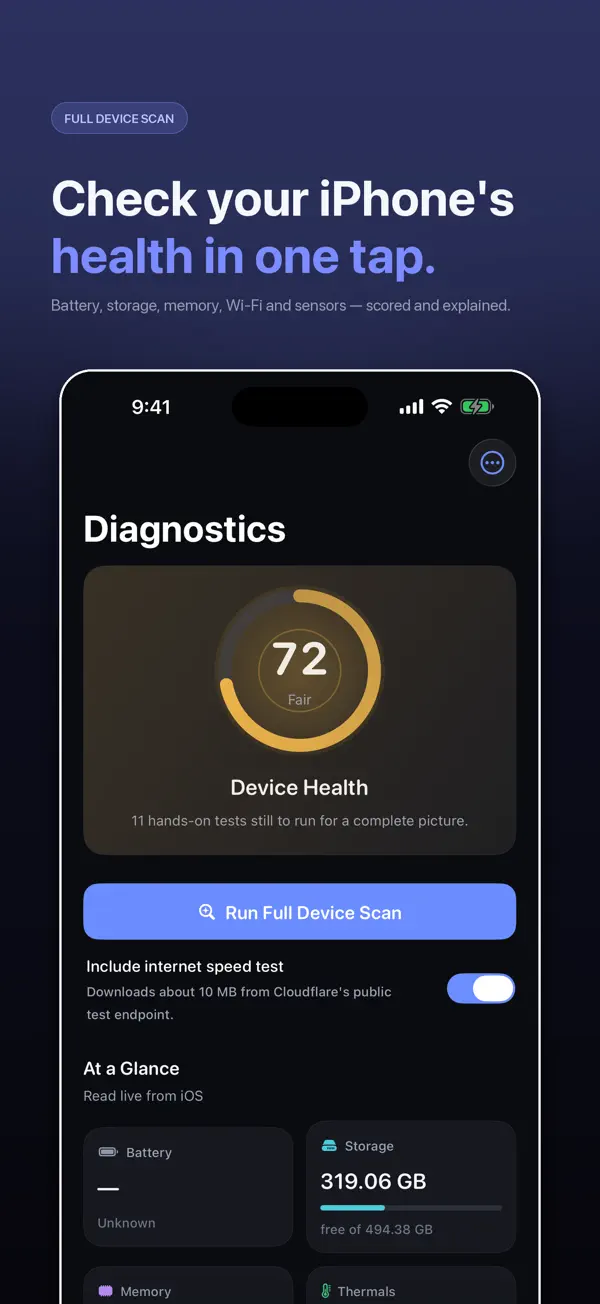
I build Secret Codes: IMEI & Carrier, a free iPhone app with 317 verified dial codes, and the screenshots in this guide come from it. If you would rather tap than memorise codes, get Secret Codes on the App Store.
How do I open Field Test mode?
- Open the Phone app and go to Keypad.
- Dial
*3001#12345#*. - Press Call. Field Test opens instead of a call.
It works on any iPhone with a SIM or eSIM, on any carrier. It needs a cellular connection to show live readings, so Wi-Fi alone is not enough. The layout varies by iPhone model, modem and iOS version, but the readings below are on all recent models.
Where is the signal strength?
On recent iOS versions, Field Test opens on a dashboard. Tap the menu at the top and look for these sections:
- LTE > Serving Cell Meas for 4G. Look for rsrp0 (your main antenna), rsrq and sinr.
- NR or a 5G section when you are on 5G, with similar readings for the 5G cell.
- Serving Cell Info for the band and cell your iPhone is connected to.
What do RSRP, RSRQ and SINR mean?
| Reading | What it measures | Good | Poor |
|---|---|---|---|
| RSRP | Signal strength from the mast | -80 dBm or higher | Below -110 dBm |
| RSRQ | Signal quality, including interference | -10 dB or higher | Below -15 dB |
| SINR | Signal compared with noise | 13 dB or higher | Below 0 dB |
The numbers are negative, so -75 is stronger than -95. Each 10 dB step is a big change: -90 dBm is ten times weaker than -80 dBm. A rough guide to RSRP:
- -80 dBm or above: excellent. Fast data and clear calls.
- -80 to -90 dBm: good.
- -90 to -100 dBm: fair. Data slows in busy areas.
- -100 to -110 dBm: poor. Calls may drop.
- Below -110 dBm: very weak. Expect "No Service" at times.
Strong RSRP with poor SINR means the signal reaches you but is noisy, often because of interference or a crowded cell. That is why full bars can still mean slow data.
How do I use Field Test to find better signal at home?
- Open Field Test and go to the RSRP reading.
- Stand still in each room for 15 to 20 seconds. The numbers update every few seconds.
- Write down the RSRP for each spot, including near windows and upstairs.
- Use the best spot for important calls, or place a router or signal booster there.
- If every room is below -110 dBm, turn on Wi-Fi Calling in Settings > Apps > Phone.
Can I show dBm instead of bars?
Older versions of iOS had a trick to replace signal bars with the dBm number. It does not work on current iOS. Field Test is now the way to see the real number.
Is there an iPhone "test mode" like Android?
Not in the same way. Android has hidden test menus such as *#*#4636#*#*; iOS does not. Field Test is the only built-in dial code test screen. For hardware checks, Apple runs diagnostics through Apple Support, and apps like Secret Codes can test battery, display, touch, cameras, speakers and sensors. More on why Android codes do nothing on iPhone in Android secret codes on iPhone, and the full list of working codes in iPhone secret codes that work.
How Secret Codes helps
- 317 verified iPhone codes, each checked against a carrier, Apple or the 3GPP standard. Android-only and retired codes are left out.
- Plain-English explanations of what every code does before you dial it.
- Open in Phone puts the code in Apple's dialler. Nothing is ever dialled for you.
- Built around your carrier: each code says whether your network publishes it.
- A full diagnostic suite for battery, storage, Wi-Fi, cellular, display, touch, cameras, sensors and Face ID.
- IMEI in one tap with Siri, Spotlight, Shortcuts and a Home Screen quick action.
- Free, with nothing locked: no paid tier and no subscription.
Download Secret Codes free on the App Store and keep every working iPhone code in your pocket.
Frequently asked questions
What is *3001#12345#*?
Apple’s code for Field Test mode, a hidden screen that shows detailed cellular measurements, including real signal strength in dBm.
How do I open Field Test mode on iPhone?
Open Phone > Keypad, dial *3001#12345#* and press Call.
Where is signal strength in iPhone Field Test?
On recent iOS, open the menu and choose LTE > Serving Cell Meas. The rsrp0 value is your signal strength in dBm.
What is a good RSRP on iPhone?
-80 dBm or higher is excellent, -80 to -100 is good to fair, and below -110 dBm is weak.
Is Field Test mode safe?
Yes. It only displays information and changes no settings. Close it like any app.
Why does my iPhone show full bars but slow data?
Strength (RSRP) can be good while quality (RSRQ or SINR) is poor because of interference or a busy cell. Field Test shows all three.
What is the iPhone network check code?
*3001#12345#* opens Field Test, which shows the network, band, cell and signal readings your iPhone is using.
Can I see dBm in the status bar on iPhone?
Not on current iOS. The old trick was removed. Use Field Test to see the number.
Does Field Test work on 5G?
Yes. When connected to 5G, look for the NR or 5G section for the 5G cell readings.
Does Field Test work without a SIM?
It opens, but it needs an active cellular connection to show live readings.
Is there an iPhone test mode code like Android’s *#*#4636#*#*?
No. Field Test (*3001#12345#*) is the only built-in test screen opened by a dial code on iPhone.
Does Secret Codes include Field Test?
Yes. It includes the Field Test code with an explanation of the readings, plus a diagnostic scan for cellular, Wi-Fi, battery and other hardware.
Secret CodesDownload free