 SnapText guide
How to Remove Line Breaks From Copied or Scanned Text (iPhone, Mac and Web)
By Muhammad Shahid Khan · · 4 min read
Quick answer
Text copied from PDFs, photos and scans keeps the line breaks of the original page, so it pastes as short broken lines. To fix it, replace single line breaks with spaces while keeping blank lines between paragraphs. On iPhone, an OCR app with a clean-up tool such as SnapText does it in one tap; a Shortcut with Replace Text works too. On a computer, use Find and Replace with ^p in Word or a regular expression.
SnapTextScan Images, Extract Text · Free on the App StoreDownload free →| Why it happens | PDFs and OCR keep each printed line as a separate line |
|---|---|
| The fix | Replace single line breaks with spaces, keep paragraph breaks |
| iPhone | SnapText clean-up, or a Shortcut with Replace Text |
| Word | Find ^p, replace with a space |
| Regex | (? |
You copy a paragraph from a PDF or a photo, paste it into an email, and get a staircase of short lines. Every line ends where it ended on the original page. Fixing it by hand means deleting dozens of line breaks one at a time. Here is why it happens and the quick ways to fix it.
I build SnapText - Image to Text, a free iPhone OCR app that reads text on your device, and the screenshots in this guide come from it. If you want to try each step as you read, get SnapText on the App Store.
Why does copied text have line breaks?
PDFs do not store paragraphs. They store lines of text placed on a page. Text recognition (OCR) does the same: it reads the image line by line. When you copy the result, each visual line becomes a line of text, followed by a hard line break. Hyphenated words at the end of lines often come through split, like "infor- mation".
What is the right way to fix it?
You want to remove the line breaks inside paragraphs, but keep the breaks between them. In practice:
- A single line break becomes a space.
- A double line break (a blank line) stays, so paragraphs remain separate.
- A hyphen at the end of a line is joined to the next word.
How do I remove line breaks on iPhone?
With SnapText
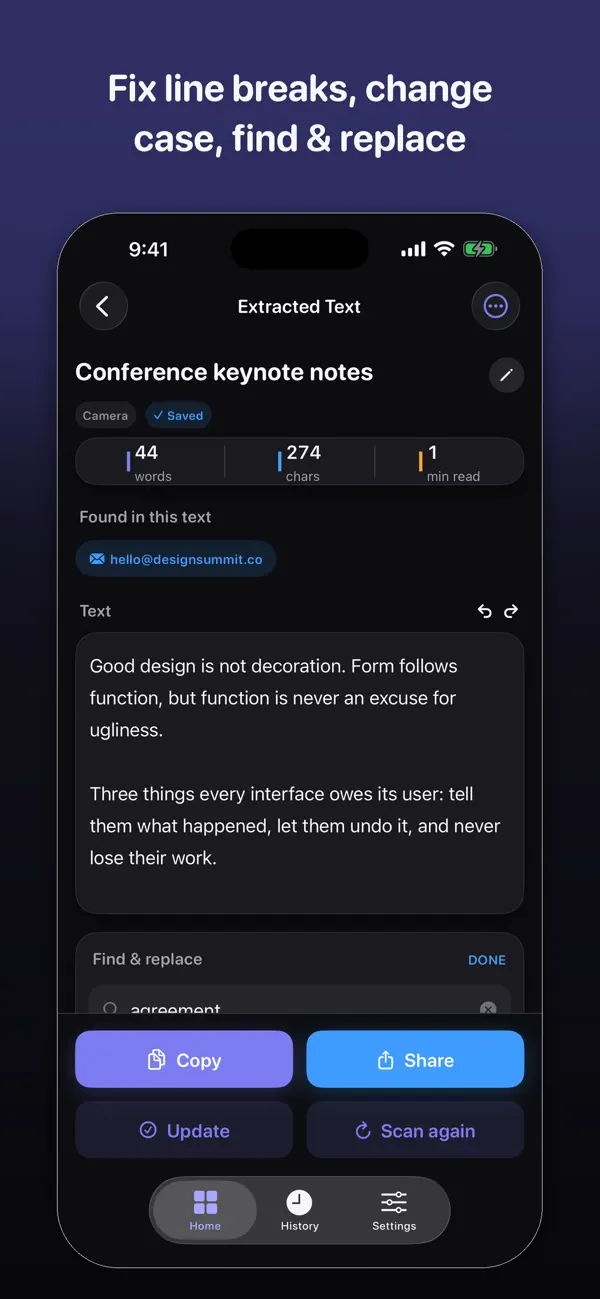
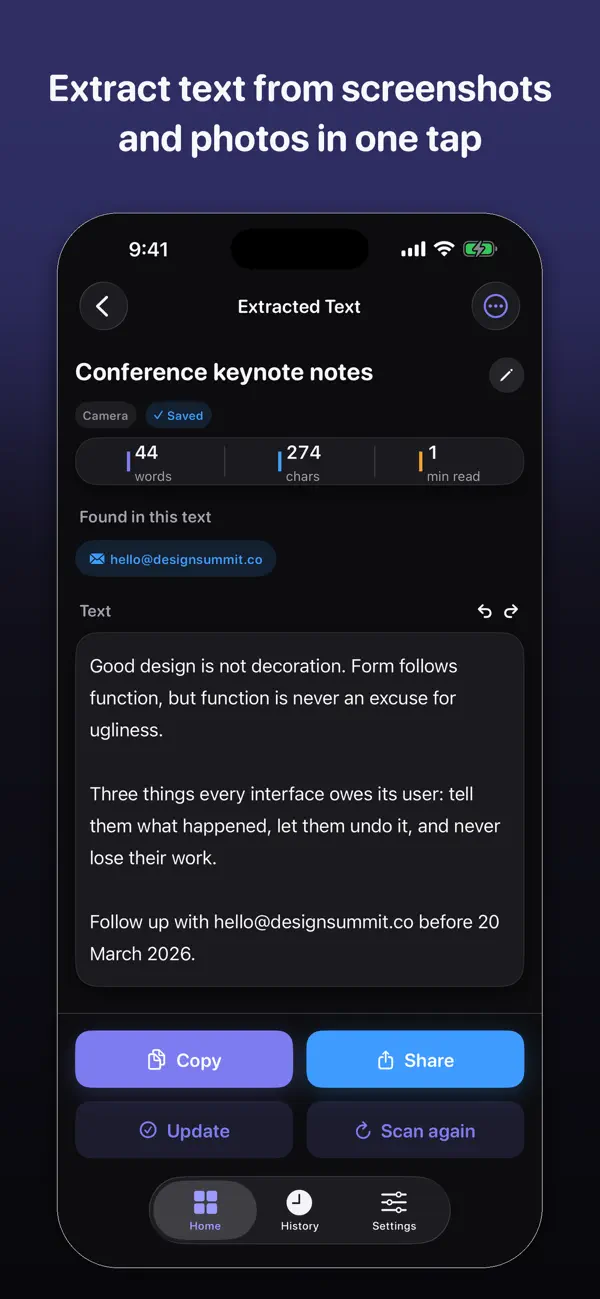
Extract the text from the photo, screenshot or scan, then use the text tools to clean up line breaks and spacing. Copy or share the result, and it pastes as normal paragraphs.
With the Shortcuts app
- Create a shortcut with Get Clipboard, then Replace Text.
- In Replace Text, turn on Regular Expression, find
(?<!\n)\n(?!\n)and replace with a single space. - Add Copy to Clipboard.
- Copy your text, run the shortcut, and paste.
How do I remove line breaks on Mac or Windows?
- Microsoft Word: first replace
^p^pwith a placeholder like##, then replace^pwith a space, then replace##with^p. - Code and text editors (VS Code, Sublime Text, BBEdit, Notepad++): use Find and Replace with regular expressions, find
(?<!\n)\n(?!\n)and replace with a space. - On a Mac with Picture to Text: the Clean Up tool joins broken lines and removes extra spaces, with undo.
What about extra spaces and odd characters?
- Double spaces: replace two spaces with one, and repeat until none are left.
- Split words: search for "- " (hyphen and space) and check each one.
- Curly quotes and odd symbols: some PDFs use unusual characters. Retyping a quote mark fixes it.
- Page numbers and headers mixed into the text: delete them after joining lines.
If the source is a photo, a cleaner capture means less fixing. See 10 tips for more accurate OCR, and for scanning paper documents, how to scan a document to editable text.
How SnapText helps
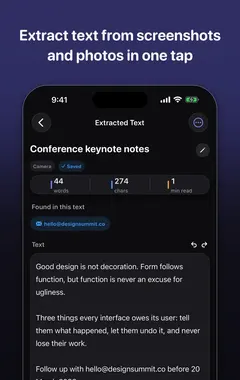
- Extract all the text at once from a photo, screenshot, scanned document or the camera.
- Edit the result straight away, and clean up line breaks and spacing in one tap.
- Detect links, emails and phone numbers so you can use them directly.
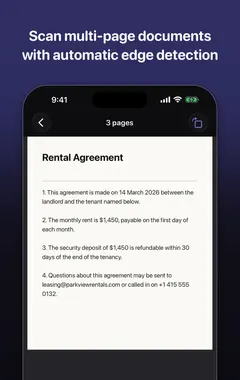
- Scan several pages and keep them together.
- Search your saved scans later, and copy, share or export the text.
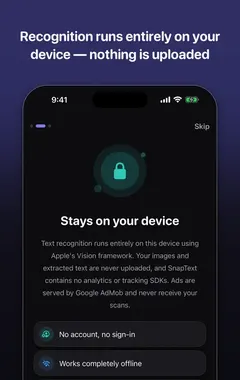
- Private by design: on-device recognition, no account, no tracking, and core OCR works offline.
Download SnapText free on the App Store and turn any image into text you can use.
Frequently asked questions
Why does text copied from a PDF have line breaks?
PDFs store lines of text, not paragraphs, so each printed line is copied with a line break at the end.
How do I remove line breaks without losing paragraphs?
Replace single line breaks with spaces and keep double line breaks (blank lines) between paragraphs.
How do I remove line breaks on iPhone?
Use an OCR app with a clean-up tool, such as SnapText, or a Shortcut that replaces line breaks with spaces.
How do I remove line breaks in Word?
Replace ^p^p with a placeholder, replace ^p with a space, then replace the placeholder with ^p.
What regex removes single line breaks?
(?
Why are words split with hyphens after copying?
Hyphens used to break words at the end of printed lines are copied too. Search for "- " and join the words.
Can Shortcuts remove line breaks?
Yes. Use Replace Text with Regular Expression turned on, then copy the result to the clipboard.
Does OCR text always need cleaning?
Usually a little: line breaks, spacing and the occasional misread character.
How do I remove extra spaces from text?
Replace two spaces with one, and repeat until none are left.
Does SnapText remove line breaks?
Yes. Its text tools clean up line breaks and formatting so pasted text flows as normal paragraphs.
SnapTextDownload free